
Help center · Payments and orders
Orders and refunds
Updated on 23 November 2026
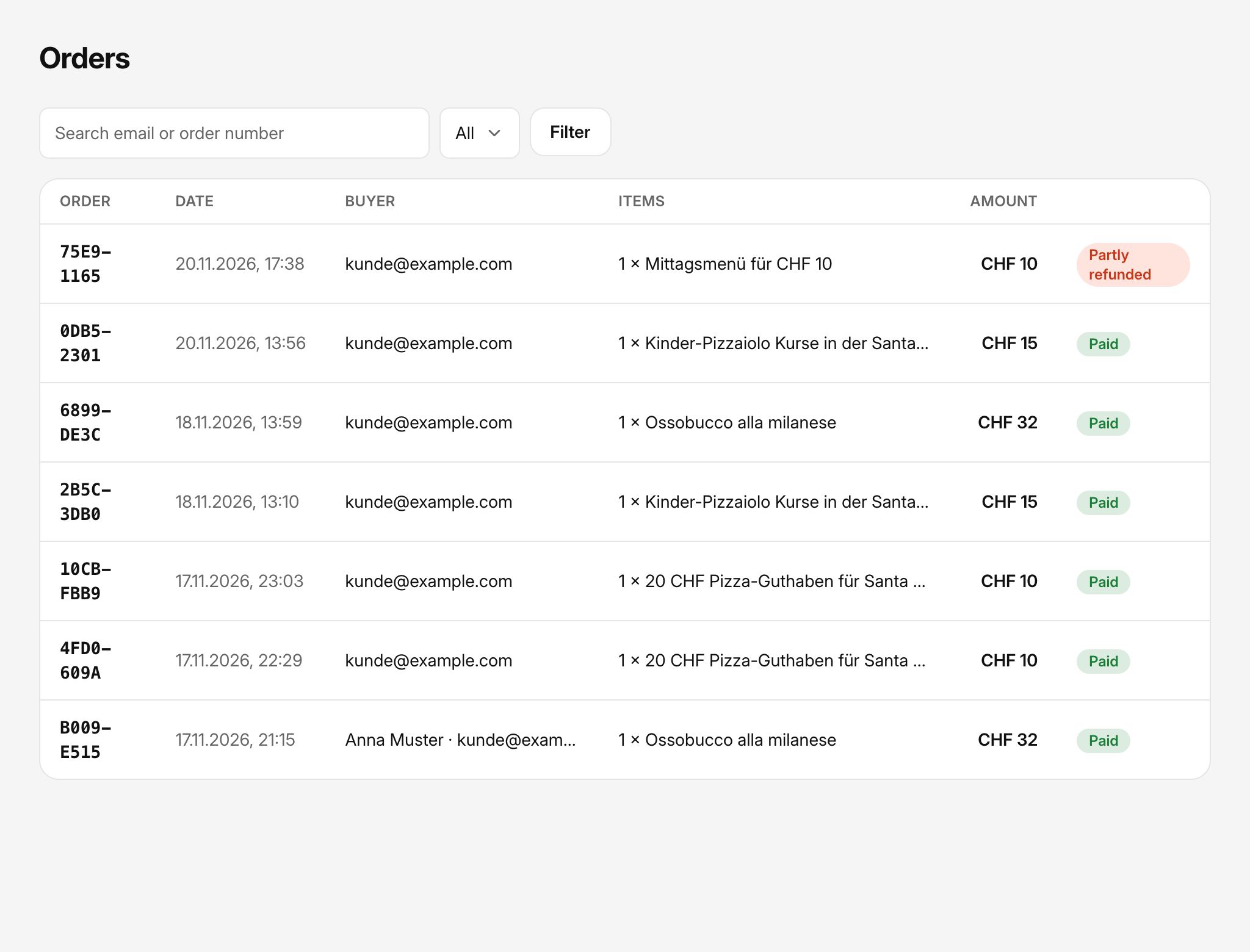
Under Orders you see every purchase with buyer, amount, fee and the issued vouchers.
Send the email again
If a buyer did not receive their vouchers, open the order and send the email again. Also ask them to check their spam folder.
Refund
- Open the order.
- Under Refund, enter the amount, in full or in part.
- Choose Refund and confirm.
The money goes back to the buyer's payment method. Sellycat refunds its fee proportionally. With a full refund you can release the quantity for sale again.
Was this article helpful?
Didn't find what you were looking for?
Contact support