
Help center · Payments and orders
Connect Stripe
Updated on 23 November 2026
Buyers pay directly into your own Stripe account. Sellycat only keeps its fee per sale.
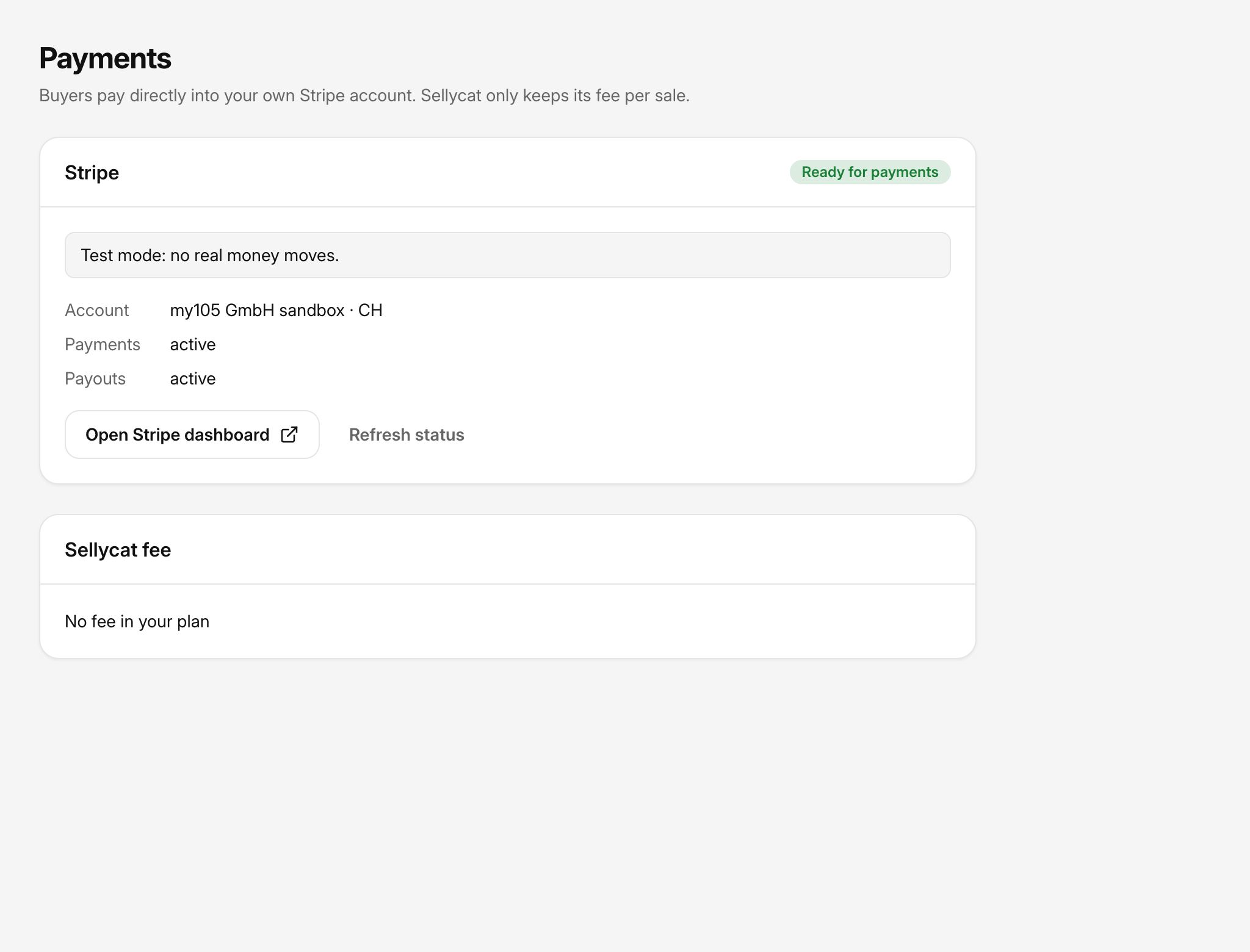
How to connect Stripe
- Open Payments and choose Connect Stripe.
- Sign in with your existing Stripe account or open a new one.
- Complete everything Stripe asks for, such as bank account and ID.
- Back in Sellycat the status shows Ready for payments.
As long as Stripe still needs details, the buy button in your shop stays locked.
Payment methods
Cards, Apple Pay, Google Pay and TWINT are switched on directly in your Stripe account.
Payouts
Stripe pays out your balance to your bank account automatically. You set the schedule in the Stripe dashboard.
Was this article helpful?
Didn't find what you were looking for?
Contact support