
Help center · Domains and technical
Reading analytics
Updated on 23 November 2026
Under Analytics you see how your shop is doing.
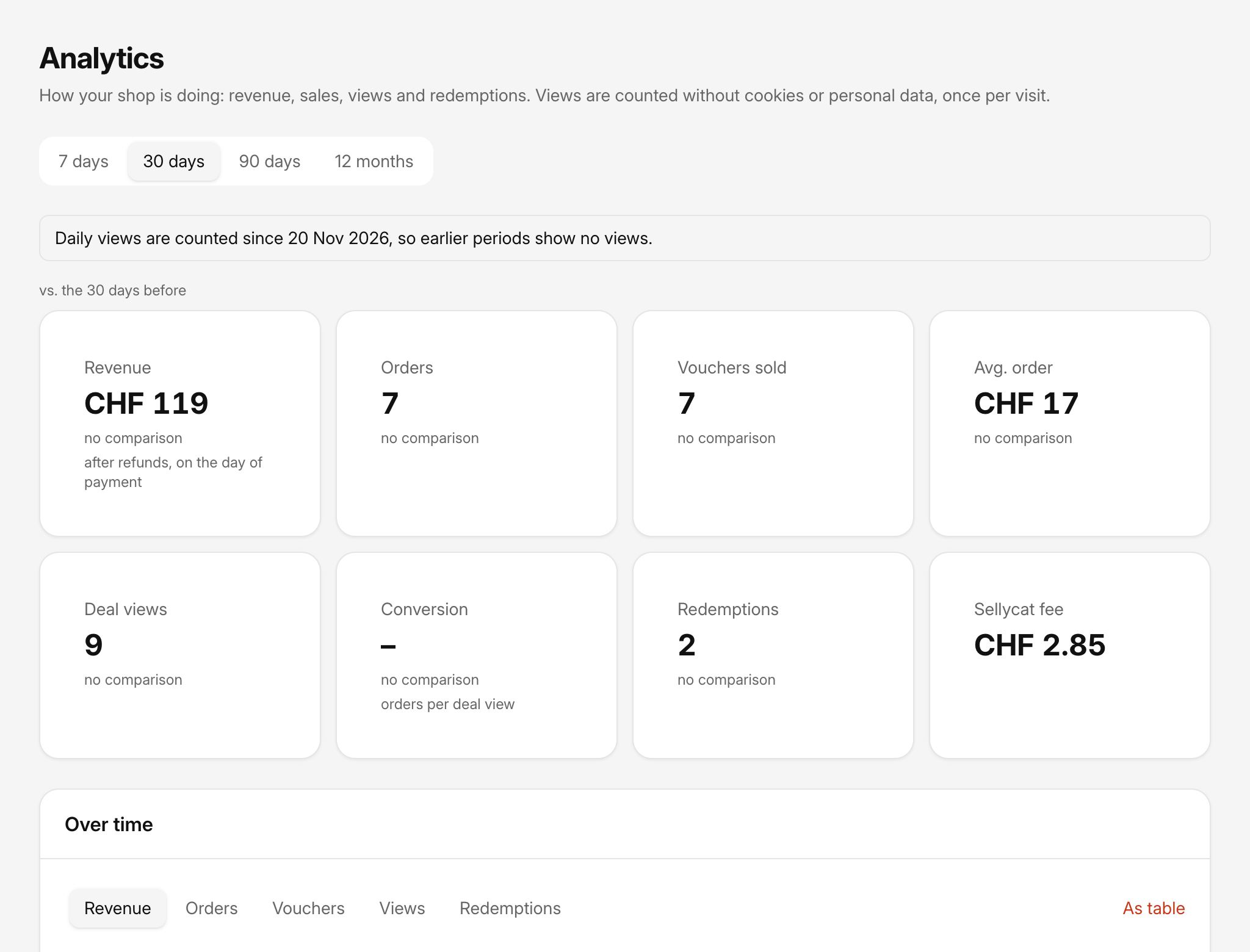
Key figures
- Revenue: after refunds, counted on the day of payment.
- Orders and vouchers sold.
- Deal views and conversion: how many views lead to an order.
- Redemptions and the Sellycat fee.
Every figure is compared with the same period before.
Trend and deals
The chart shows the trend per day, week or month. Below you see the path from shop visit to payment and a list of your deals with views, sales and revenue.
Privacy
Sellycat counts views without cookies or personal data, as one number per day. If you also want to use Google Analytics or the Meta Pixel, enter the IDs under Settings. They only run with the visitors' consent.
Was this article helpful?
Didn't find what you were looking for?
Contact support