
Your shop in ten minutes
Updated on 23 November 2026
With Sellycat you sell vouchers and deals in your own shop. This is how you get from an account to your first sale.
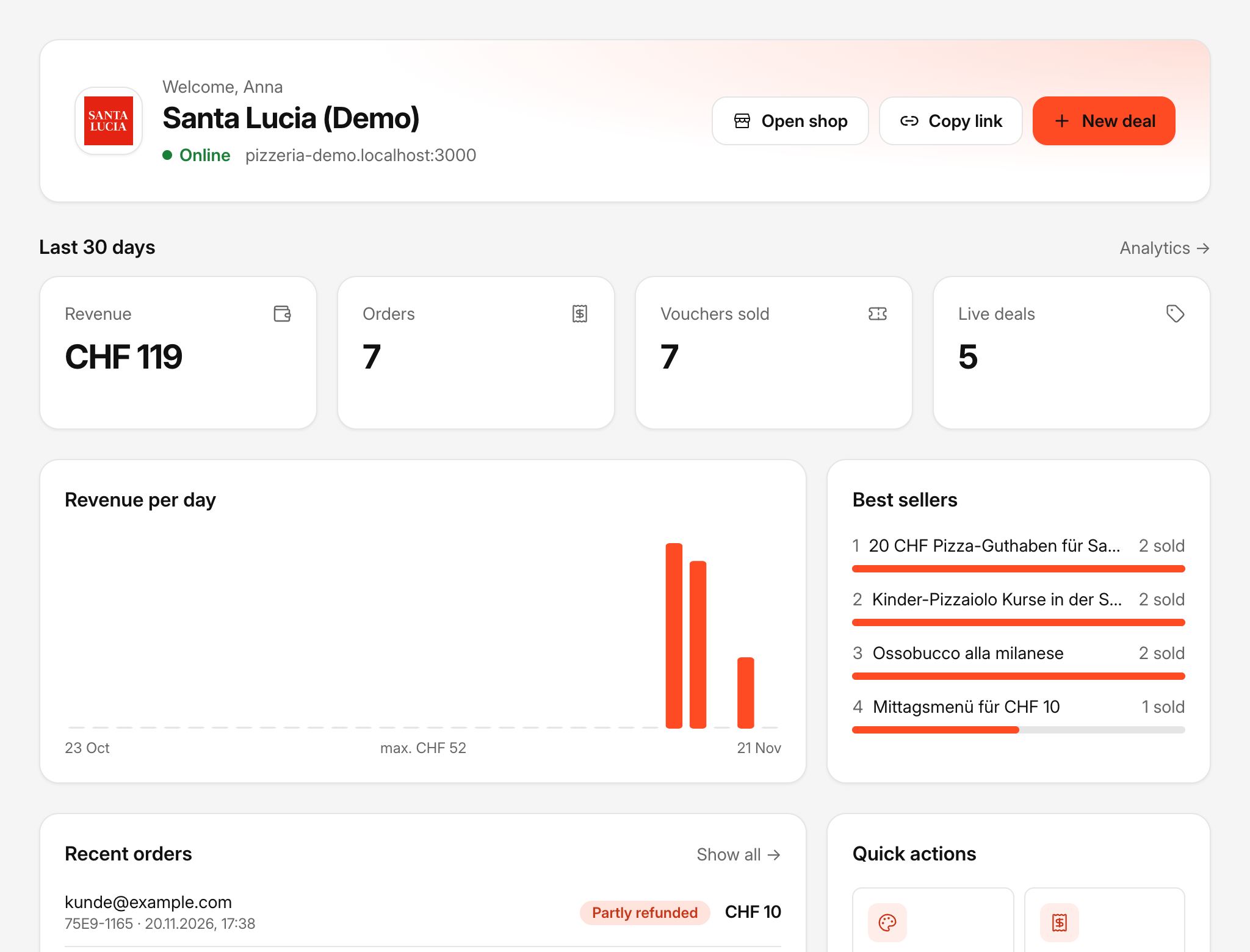
1. Create your account and shop
- Sign up on sellycat.com with your company name, shop address and email.
- Confirm the link in the email. Only then is your shop created.
- Your shop is online right away at your-address.sellycat.com.
2. Add the legal texts
No deal can be published without an imprint, terms and a privacy policy. You find them under Settings. More in Imprint, terms and privacy.
3. Set up payments
Under Payments you connect your Stripe account. Buyers pay you directly. See Connect Stripe.
4. Add a partner and your first deal
- Under Partners, add where the voucher is redeemed.
- Under Deals, create your first deal and publish it.
5. Design your shop
Under Design you adjust colours, fonts and logo. The preview shows every change at once.
Was this article helpful?
Didn't find what you were looking for?
Contact support