
Design your shop and arrange deals
Updated on 23 November 2026
Your shop should look like your brand. Under Design you adjust everything and see it in the preview right away.
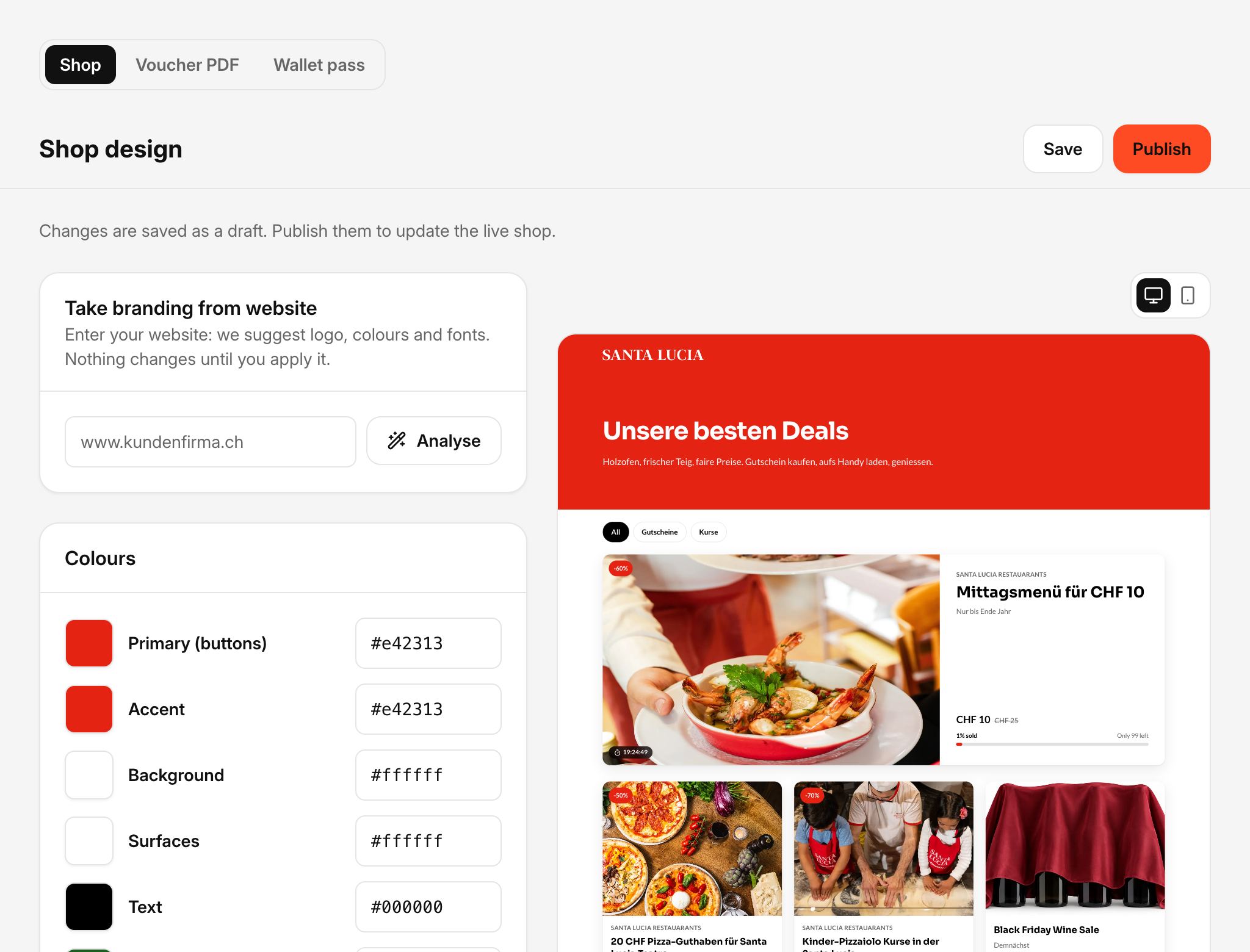
Design
- Colours: main colour, background and text. Sellycat checks that the contrast is easy to read.
- Fonts: from Google Fonts or your own font.
- Logo, favicon and social image.
- Layout: for example a top deal with a grid below.
Arrangement
Under Arrangement you set the order in which deals appear:
- Manual: you drag the deals into order.
- Newest first, Campaign date, Relevance (most opened) or Top sellers.
The top deal always stays at the top.
Was this article helpful?
Didn't find what you were looking for?
Contact support