
Help center · Vouchers and redemption
Redeem vouchers
Updated on 23 November 2026
Every voucher has a code and a QR code or barcode. You redeem in the dashboard, in the redemption app or directly on the voucher page.
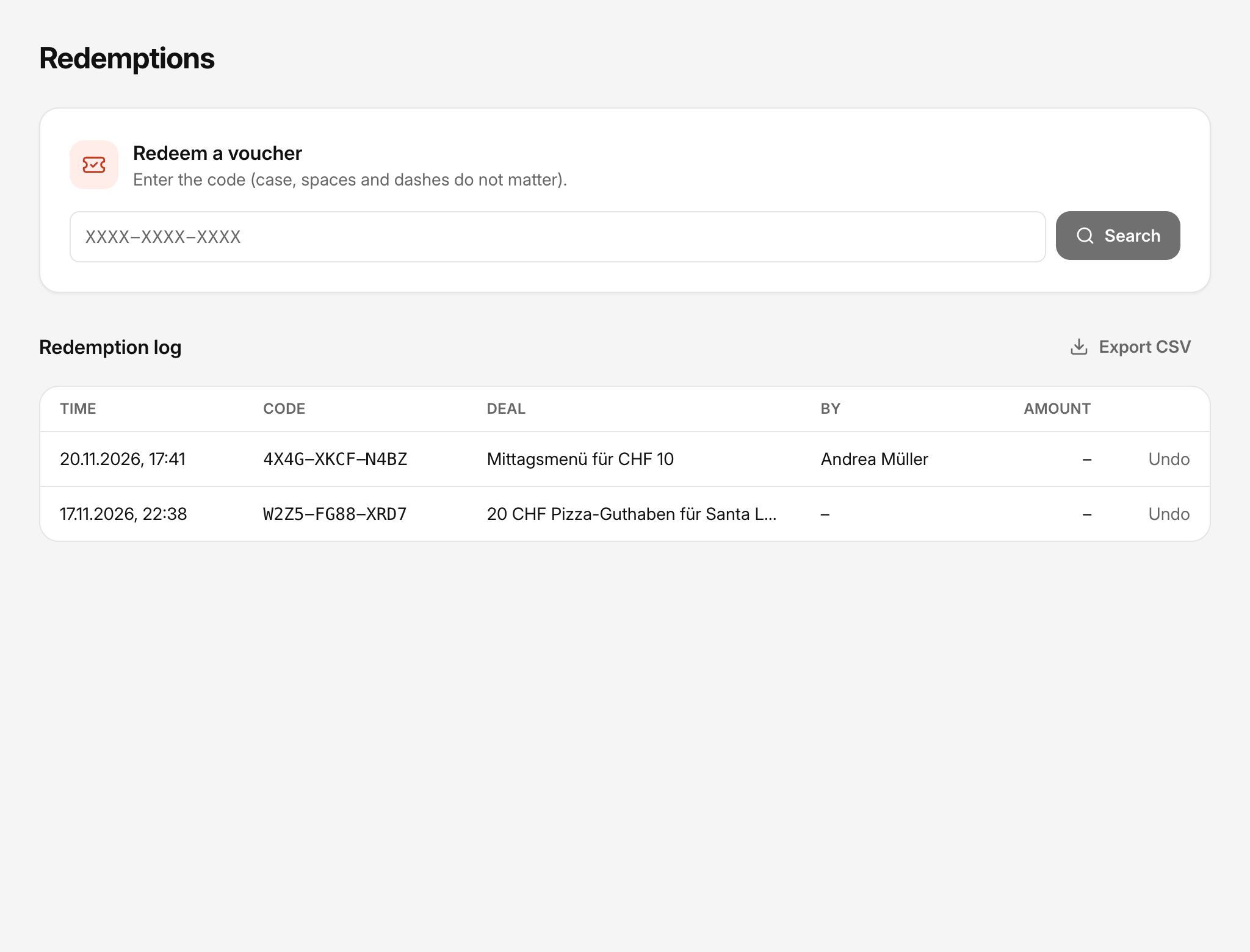
In the dashboard
- Open Redemptions.
- Enter the code or scan it.
- Redeem the full amount or part of it.
With the redemption app
The app runs on your shop address under /scan, for example your-address.sellycat.com/scan. It can be installed on a phone like an app.
- Sign in with your email. You receive a code by email.
- Scan the QR code or barcode with the camera, type the code or take a photo of it.
- Confirm the redemption.
Who can redeem?
- Team members with the role Redeemer or higher.
- A partner's scanners, but only that partner's vouchers. If a voucher belongs to another partner, the app says so clearly.
Was this article helpful?
Didn't find what you were looking for?
Contact support